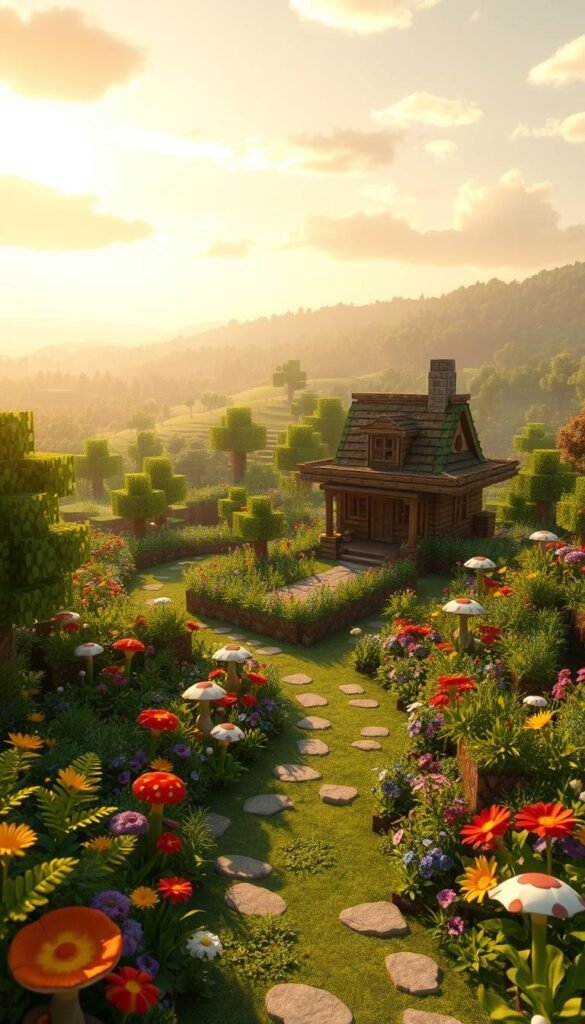
Imagine shaping vibrant outdoor spaces where every block tells a story. In Minecraft, your garden projects become living art—merging natural beauty with pixel-perfect precision. This guide unlocks fresh ways to turn real-world gardening ideas into captivating virtual landscapes.
You’ll learn how trending design techniques from social media and builder communities can spark your imagination. Discover color palettes, material combinations, and layouts that turn basic plots into eye-catching retreats. Even small details, like path curves or flower groupings, add depth to your world.
Why stick with ordinary when you can craft gardens that wow? Explore how spatial arrangements create flow between ponds, orchards, and seating areas. Use elevation changes to mimic terraced gardens or hidden groves. These methods blend aesthetics with functionality, making your builds both pretty and practical.
Ready to level up? Whether you’re new to block-building or refining advanced skills, these strategies help you think outside the dirt plot. Let’s transform blank terrain into spaces that reflect your unique vision—one creatively placed block at a time.
Overview of Minecraft Garden Design Concepts
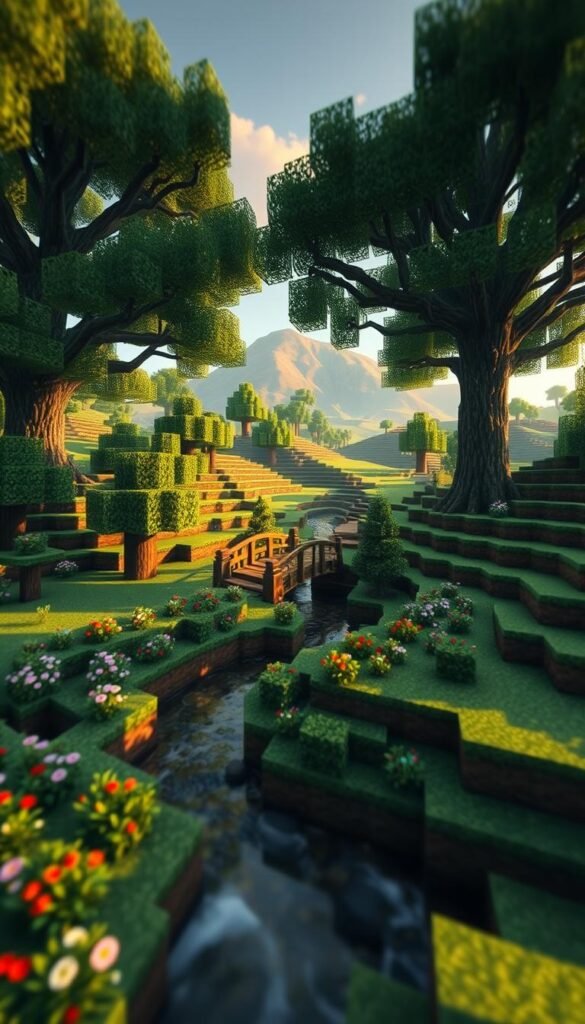
Crafting a stunning garden starts with understanding how the game’s ecosystems shape your artistic vision. Every biome acts like a blank canvas—forests burst with rich greens, while deserts glow with golden warmth. Your environment choice becomes the foundation for textures, lighting, and atmosphere.
Understanding the Landscape Aesthetics
Biomes aren’t just backdrops—they’re collaborators. A jungle’s dense foliage naturally hides secret pathways, while plains biomes let you experiment with open layouts. Work with the terrain instead of flattening it. Use hills for tiered flower beds or rivers as natural borders.
The Role of Creativity in Garden Design
Great gardens balance wild beauty and structure. Combine crimson netherwart with quartz paths for bold contrasts, or soften stone walls with hanging vines. Think about how players will experience your space—curve walkways to reveal surprises or cluster bamboo to create cozy nooks.
Your material choices tell stories. Mossy cobblestone whispers of ancient ruins, while prismarine shards make ponds shimmer. Experiment with elevation changes: a sunken cherry grove feels intimate, while rooftop herb gardens maximize space.
Essential Tools and Materials for Your Minecraft Garden
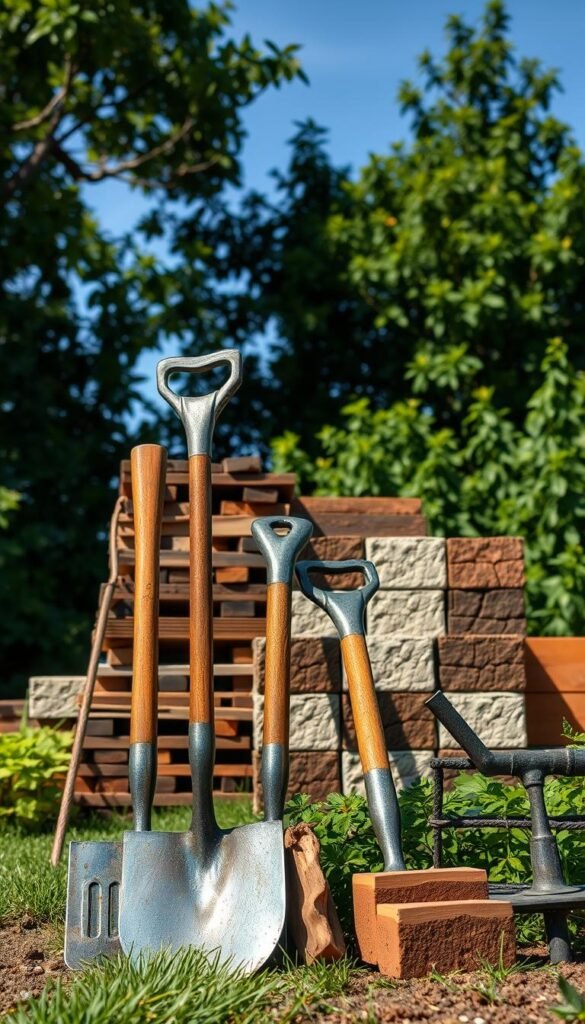
Your virtual garden thrives when you choose the right equipment. Mastering Minecraft’s tools transforms chaotic digging into purposeful design. Let’s explore how to wield these instruments effectively while keeping your resources stocked for ambitious projects.
In-Game Tools and Their Uses
Shovels form the backbone of garden creation. They shape soil for flower beds and carve ponds in seconds. Pickaxes clear stone obstacles while gathering cobblestone for pathways. Buckets? They’re liquid artists—perfect for crafting waterfalls or irrigation channels.
| Tool | Primary Use | Best Materials |
|---|---|---|
| Shovel | Soil shaping | Iron/Diamond |
| Pickaxe | Stone removal | Stone/Iron |
| Bucket | Water features | Iron only |
Resource Management and Sustainable Materials
In survival mode, smart choices matter. Bamboo grows faster than oak, making it ideal for fencing. Use bonemeal from skeletons to accelerate crop growth. Always replant saplings—your future self will thank you.
Advanced builders use mods like WorldEdit for large-scale techniques. But vanilla Minecraft offers a wide range of renewable materials too. Moss carpets hide uneven ground, while glow berries light paths without torches. Balance creativity with what your Minecraft world provides naturally.
Step-by-Step Guide to Planning Your Minecraft Garden
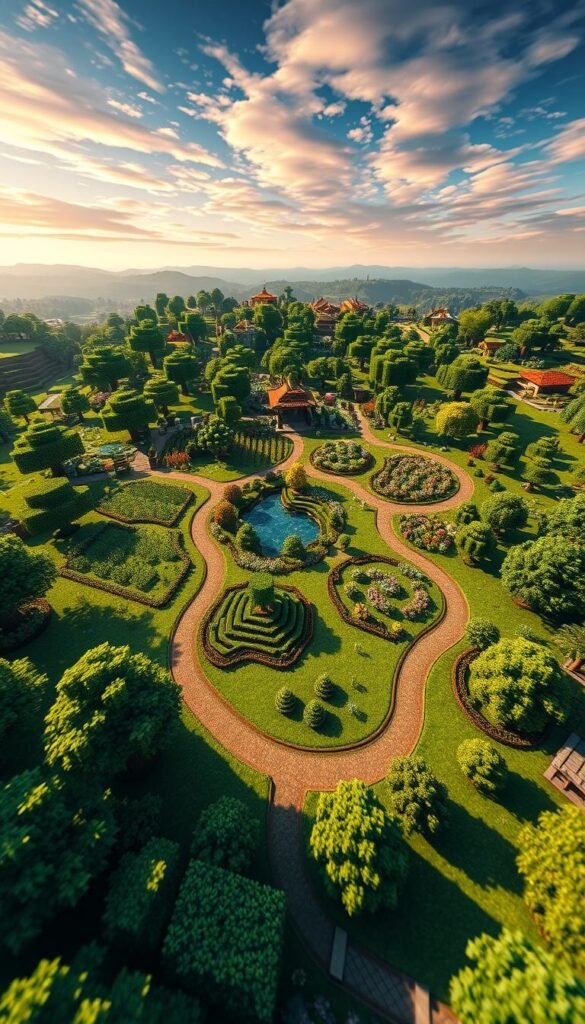
Great gardens grow from smart preparation. Before breaking ground, grab paper or a grid app to draft your vision. This planning stage saves hours later by spotting issues early.
Sketching Your Design Blueprint
Start rough. Doodle shapes for ponds, flower clusters, and seating areas. “A quick sketch helps you see proportions,” says veteran builder @PixelBotanist. Use colored pencils to test block combinations—maybe azalea bushes against spruce fences?
Mark elevation changes with contour lines. Steep slopes become terraced herb gardens. Flat areas? Perfect for symmetrical rose mazes. Leave room between features for paths—three blocks wide lets players stroll comfortably.
Mapping Out Your Minecraft World
Open your world map. Scan for natural allies: existing rivers shape pond placements, while hills create instant tiered gardens. Use F3 to check sunlight patterns—sunflowers need full exposure.
Create waypoints for key zones using banners. Need resources? Note nearby forests for wood or caves for stone. This map becomes your construction cheat sheet, balancing creative ideas with what your Minecraft world actually offers.
Break big projects into phases. Build the central fountain first, then expand outward. This keeps the work fun instead of overwhelming. Remember—your garden evolves over time, just like real ones!
Bring Digital Inspiration to Life with Minecraft Garden Design Strategies
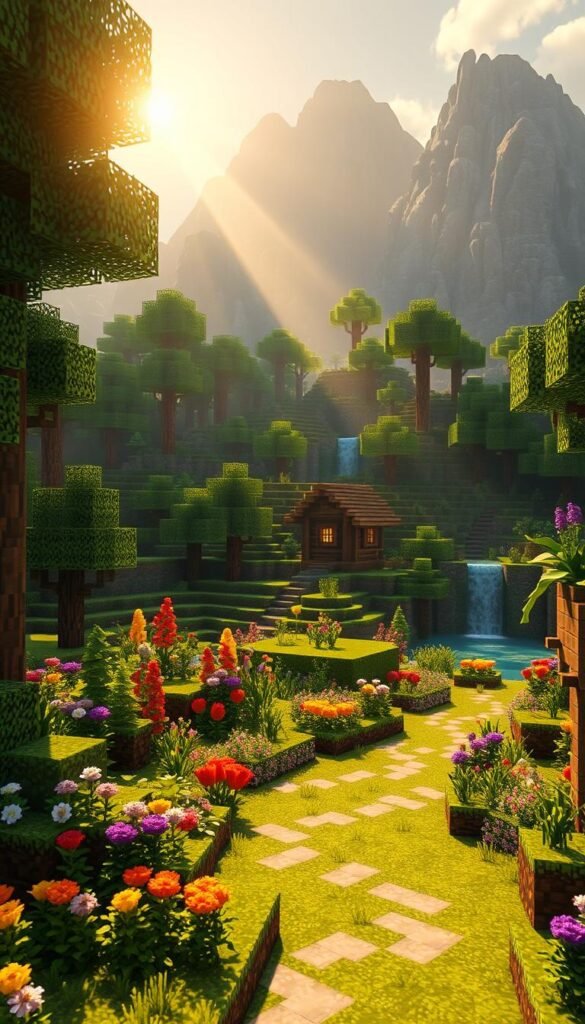
Online platforms overflow with artistic sparks for your next build. Pinterest boards bursting with tulip fields or Japanese zen gardens can become 3D masterpieces in your world. Save screenshots of real parks or famous landscapes—these become blueprints for your block-based art.
Adapting real-world concepts takes practice. A curved stone path might use andesite slabs instead of gravel. Hydrangea bushes? Try mixing cornflowers and lilac blocks. Social media time-lapses show how top builders solve problems—like using trapdoors as planters when space is tight.
Communities like r/MinecraftBuilds share clever techniques. One creator used upside-down stairs as pond edges for smoother curves. Another combined glow lichen with sea lanterns to mimic fireflies. These tricks help your projects stand out while saving resources.
| Inspiration Source | Best For | In-Game Adaptation |
|---|---|---|
| Instagram Garden Photos | Color Schemes | Wool + Concrete Combinations |
| Architecture Websites | Layout Ideas | Scaled-Down Structures |
| Community Builds | Unique Techniques | Block Substitutions |
Organize your references in a dedicated folder. Label screenshots by theme—”water features” or “vertical gardens.” This system lets you mix elements from different sources seamlessly. Soon, you’ll blend reality’s beauty with Minecraft’s blocky charm effortlessly.
Creative Landscape Designs in Minecraft Gardens
What if your blocky terrain could mirror nature’s wild beauty? The secret lies in blending color theory with clever elevation tricks. Start by studying how real-world gardens use slopes and flower groupings—then adapt those patterns using Minecraft’s diverse blocks.
Incorporating Natural Elements and Color
Mix mossy cobblestone with azalea bushes for aged charm. Try warped planks beside crimson nylium—their contrasting hues make paths pop. “Depth comes from layering textures,” says builder @StoneCraft_101. Use slabs and stairs to create gradual transitions between materials.
Elevation changes add drama. Carve terraces into hillsides for cascading wheat fields. Dig shallow streams using blue concrete powder—it mimics flowing water when layered with glass panes. These techniques turn flat spaces into dynamic environments that beg exploration.
Balance is key. Let existing oak trees frame your build instead of clearing them. Use glow berries beneath leaves to simulate dappled sunlight. Your garden becomes a living story where every block serves a purpose—beauty and function intertwined.
Integrating Minecraft Landscaping Techniques
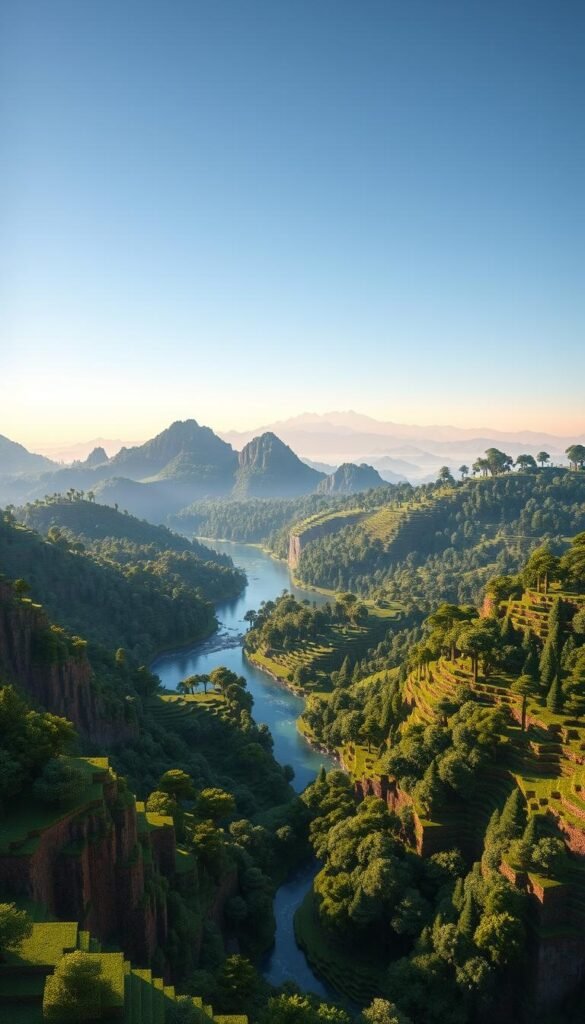
Transform flat terrain into breathtaking vistas using elevation tricks and flowing water elements. Landscaping in this blocky world becomes art when you balance raw creativity with intentional design principles.
Building Elevation and Depth with Blocks
Start with gentle slopes instead of sharp cliffs. Mix cobblestone, andesite, and gravel to mimic natural erosion. Terraced layers work wonders—build stepped flower beds into hillsides using slabs and stairs.
For mountains, begin with a rough outline. Add jagged peaks with irregular blocks like diorite. Scatter coarse dirt and dead bushes at the base for realism. “Height variation creates drama,” notes builder @TerrainTamer. Use WorldEdit to smooth large areas faster.
Designing Water Features and Natural Barriers
Curved shorelines make ponds feel alive. Combine blue concrete with prismarine for shimmering lakes. Waterfalls? Place soul sand underneath to create bubble columns that push players upward.
Use rivers as natural fences. Line them with mangrove roots for texture. Elevation changes can form cliffs that guide exploration—no flat walls needed. These techniques turn functional elements into eye-catching focal points.
Overcoming Challenges in Minecraft Garden Creation
Creating your dream garden isn’t always smooth—here’s how to tackle common snags. Limited resources? Use game mechanics like bonemeal to speed up crop growth. Swap rare blocks with clever alternatives: try moss carpets instead of grass in shady areas.
Stuck on design flow? Break large projects into smaller zones. Build one flowerbed first, then expand outward. Elevation errors become features—turn accidental cliffs into cascading waterfalls with blue stained glass.
Multiplayer experience issues? Coordinate material gathering with friends. Assign roles: one digs ponds while another plants trees. Use waypoints to avoid trampling delicate areas during construction.
Technical limits spark creativity. Can’t place water in Nether? Create lava “rivers” with orange concrete and glowstone. Struggling with symmetry? Embrace wilder design styles—nature isn’t perfectly balanced either.
Every challenge sharpens your skills. Keep experimenting, and watch your game landscapes transform from frustrating puzzles into masterpieces.