
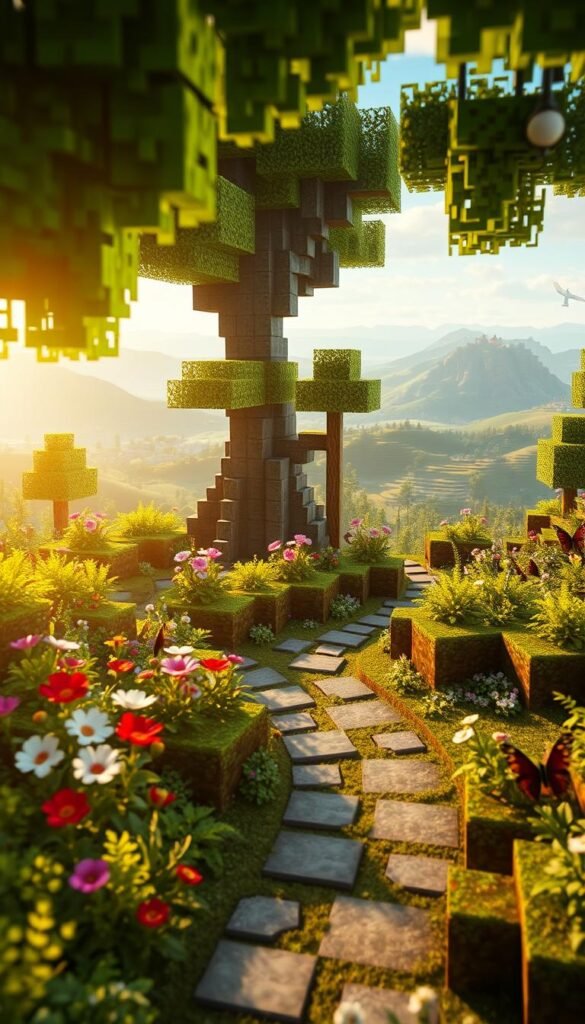
What if your favorite block-building game could reshape your outdoor space? Minecraft’s grid-based world isn’t just for digital adventures—it’s inspiring real-life gardens that balance fun with function. From cozy seating nooks to pollinator habitats, gamers and gardeners alike are discovering how virtual blueprints translate into thriving green spaces.
Take ChromaGlitch’s autumn lounge tutorial, where warm wood textures and strategic lighting mirror in-game builds. Or consider the global “Bee Creative” challenge: Students from seven countries designed gardens using Redstone mechanics and educational displays. These projects prove gaming concepts like resource management and spatial planning work perfectly in gardening aesthetic projects.
You’ll learn how Minecraft’s material palette—think stone pathways or wooden trellises—can shape your landscape. The game’s collaborative spirit also offers endless ideas, whether you’re crafting a buzzing bee sanctuary or a tranquil evening retreat. Ready to turn those pixelated dreams into your personal oasis?
Laying the Foundation for Your Minecraft Garden Project
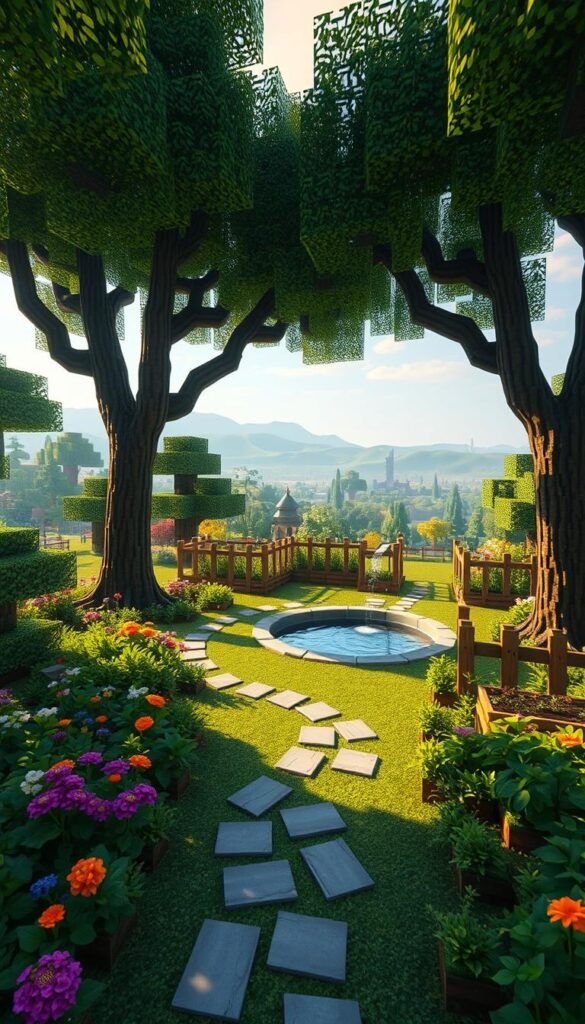
Great gardens begin with smart planning—just like epic Minecraft builds. Start by mapping your outdoor space using the game’s grid logic. ChromaGlitch’s 5×7 cobblestone rectangle method works wonders for marking ground zones, whether you’re crafting a cozy corner or sprawling complex.
Sketch Your Block-Based Blueprint
Grab graph paper and outline your layout like a Minecraft pro. Students in the global challenge used this approach to design everything from vertical bee habitats to sunlit seating areas. Break your yard into “blocks” for pathways, plants, and play zones—it’s how you’ll build a functional yet fun space.
Choose Materials That Click
Minecraft’s blocky charm meets real-world durability here. Opt for materials that mirror the game’s style:
| Virtual Block | Real Material | Best For |
|---|---|---|
| Cobblestone | Crushed gravel | Pathways |
| Oak Wood | Cedar planks | Raised beds |
| Nether Brick | Terracotta tiles | Decorative borders |
Local stone yards often carry Minecraft-inspired textures. Remember—sustainable choices keep your garden thriving longer, just like smart resource management in-game. Now you’re ready to get started!
Merge Virtual Creativity and Reality with Minecraft-Inspired Garden Designs
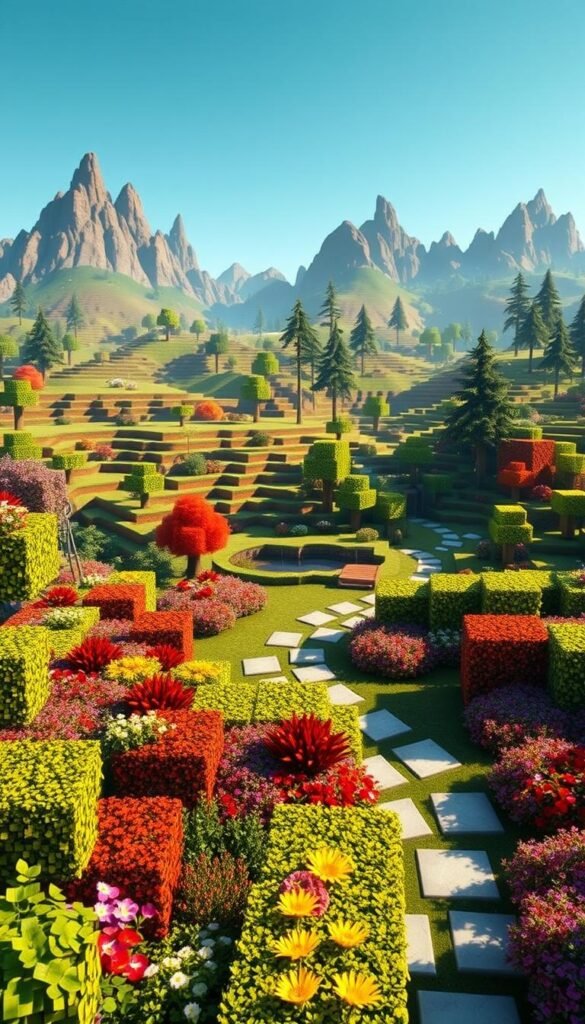
Transform your backyard into a living Minecraft canvas by blending the game’s signature style with nature. ChromaGlitch’s campfire seating area demonstrates how blocks become functional art—trap doors flip into tabletops, while slabs stack into chairs. Students worldwide have adapted these ideas, crafting wooden bee hotels and ivy-covered pergolas that mirror in-game crafting recipes.
Translating Virtual Block Aesthetics into Real-Life Features
Start with furniture that captures Minecraft’s angular charm. Build square planters from cedar planks or assemble benches using reclaimed oak slabs. For hidden storage, install hinged panels that mimic trap door mechanics—perfect for stashing tools or seasonal decor.
| Game Inspiration | Real-World Build | Material Tips |
|---|---|---|
| Trap Door Table | Rotating Cedar Top | Weather-resistant hinges |
| Fence Post Campfire | Steel Ring + Lava Rocks | Use LED “flames” for safety |
| Wood Slab Chair | Interlocking Pine Boards | Sand edges for comfort |
Integrating Game Elements Like Trees and Wood Accents
Position trees as living columns to frame spaces or support climbing roses. Line walkways with uniform stone blocks that echo Minecraft’s grid, then add solar-powered lanterns for nighttime glow. Mix wood tones like spruce-stained benches with birch trellises to keep the blocky look cohesive.
Pro Tip: Students in the global challenge used candle-lit “Redstone lamps” under glass jars—a fire-safe way to recreate in-game lighting. Your turn to build something extraordinary!
Implementing Unique Minecraft Design Elements
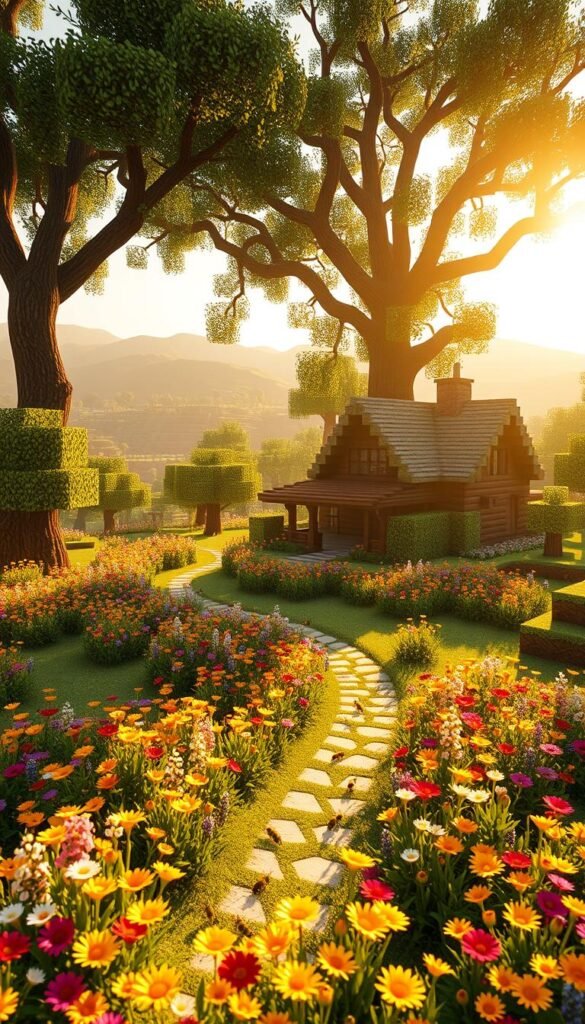
Bring Minecraft’s buzzing energy to your backyard with life-sized pollinator habitats. The Minecraft Education Edition challenge revealed how students merged the game’s blocky charm with real-world ecology. Their designs paired colorful flower grids with functional bee shelters, proving gaming concepts can literally help ecosystems thrive.
Using Trees, Flowers, and Bees for a Lively Atmosphere
Start by planting native flowers in bold, square-shaped clusters—like Minecraft’s pixelated farm plots. Choose lavender, sunflowers, or coneflowers that bloom from spring through fall. These vibrant blocks of color attract bees while mirroring the game’s visual style.
Build simple wooden shelters using interlocking planks. Stack them vertically like Minecraft’s beehive blocks to house mason bees. Add shallow water channels lined with stones—these double as irrigation systems and nod to the game’s Redstone-powered water mechanics.
| Game Element | Real-World Version | Ecological Benefit |
|---|---|---|
| Bee Nest Block | Pine Board Shelter | Mason Bee Habitat |
| Flower Field | Native Plant Grid | Seasonal Pollen Source |
| Water Channel | Rock-Lined Stream | Bird Drinking Spot |
Label plants with QR codes linking to pollinator facts, just like educational panels in student builds. Rotate crops annually using Minecraft’s crop rotation logic—it keeps soil healthy and maintains visual interest.
Pro Tip: Use yellow and black accents on garden decor to mimic Minecraft’s iconic bee mobs. Solar-powered lights shaped like honeycombs add nighttime magic while supporting sustainability.
Bringing It All Together for Your Ultimate Minecraft Garden Lounge
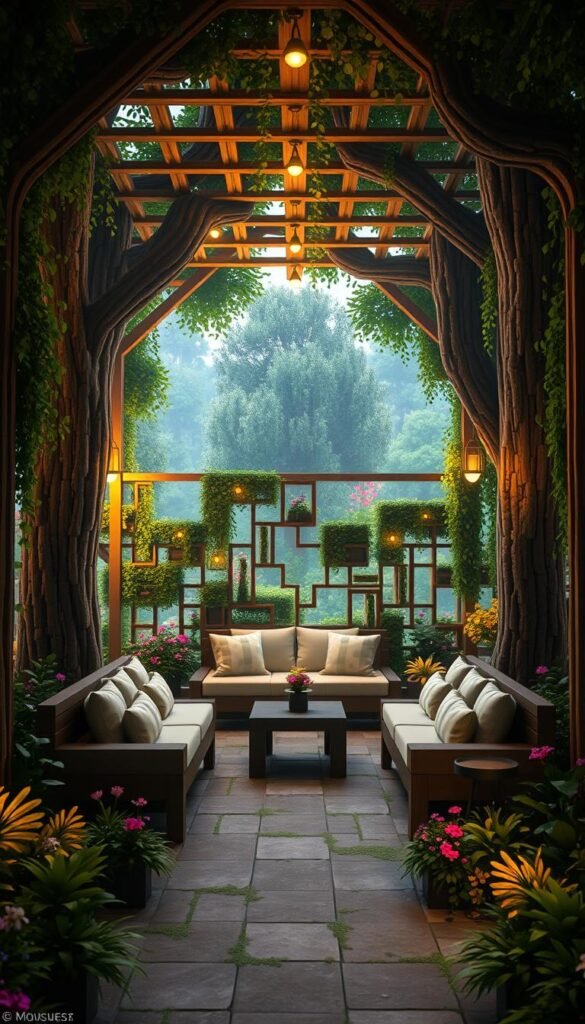
Your block-based vision becomes reality when wooden pathways meet solar-powered lanterns. ChromaGlitch’s autumn lounge tutorial shows how cedar benches and crushed gravel paths create a cozy space that feels lifted from your favorite game. Layer textures like stone planters and climbing ivy to maintain that signature angular charm.
Lighting transforms your garden into a twilight paradise. Try LED strips under benches or string lights zigzagging overhead—just like glowing Redstone circuits. Students in the global challenge added QR codes to plant labels, linking to pollinator guides for interactive learning.
Share your creation using #minecraftaesthetic to connect with fellow builders. Update your design seasonally: swap summer blooms for pumpkin clusters in fall, or add frosted lanterns for winter. Maintenance becomes part of the fun when approached like tending a Minecraft world—prune overgrowth as you’d clear creepers!
Ready to build? Grab weather-resistant materials, sketch your grid, and let those pixel-perfect ideas take root. Your living lounge awaits—where every sunset feels like logging into a new adventure.